Deadline is a low effort and always-on desktop timetracker built to actually get things done.
Time is money, stop losing both.
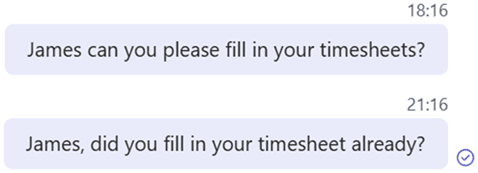
It’s Friday and I am missing so many timesheets again


Deadline fills in your timesheets so you can focus on whatever you like.
Always-on
Deadline is always active so it can track your hours at anytime.
You don’t have to open anything Deadline does that for you, it’s that easy.
Low-effort
Deadline has all your projects. Even if they come from a third party system.
Easily add new projects once by typing them and Deadline prefills to help you find them.
Easy analysis
Deadline Provides you an Excel Analysis whenever you like.
Deadline can connect to your third party system via an API.
*Conctact us for custom work
Offline mode
Deadline can track your hours even without a network connection.
Are you connected with a third party system then Deadline will sync once a day for you.
Everyone loves Deadline
No more chasing timesheets. Deadline made time tracking easy for my team and helped us stick to our project budget.
I used to forget to track half my work hours. With Deadline I’m not underbilling anymore, he keeps me on time!
I hate logging hours. With Deadline, I barely think about it.
Frequently Asked Questions
- Is Deadline really always visible on my desktop?
Yes! Deadline is a lightweight widget that stays on top of your screen, so it’s always within reach. No tab switching, no forgetting.
- Does Deadline require an internet connection?
No. Deadline works perfectly offline. Your hours are saved locally and you can export them anytime, internet or not. However, when you are working with a third party system you should connect to the internet at least once a day so Deadline can sync your hours to your system.
- Can Deadline track time on multiple projects?
Absolutely. You can quickly switch between projects, and Deadline remembers your last 5 projects for even faster logging.
- Does Deadline support integrations with other tools?
Yes, our Enterprise plan includes API access, so you can integrate Deadline with your project management or billing tools.
- Can I close Deadline if I really want to?
We don’t think you will but yes you can. If you really don’t want Deadline to track your hours on a certain day. You can close him by going to the hidden icons on your task bar at the bottom right and click on close. However, when you restart your PC Deadline will be present again to help you out.